VM Supreme GCash Withdrawal: Complete Step-by-Step Guide for Filipino Players
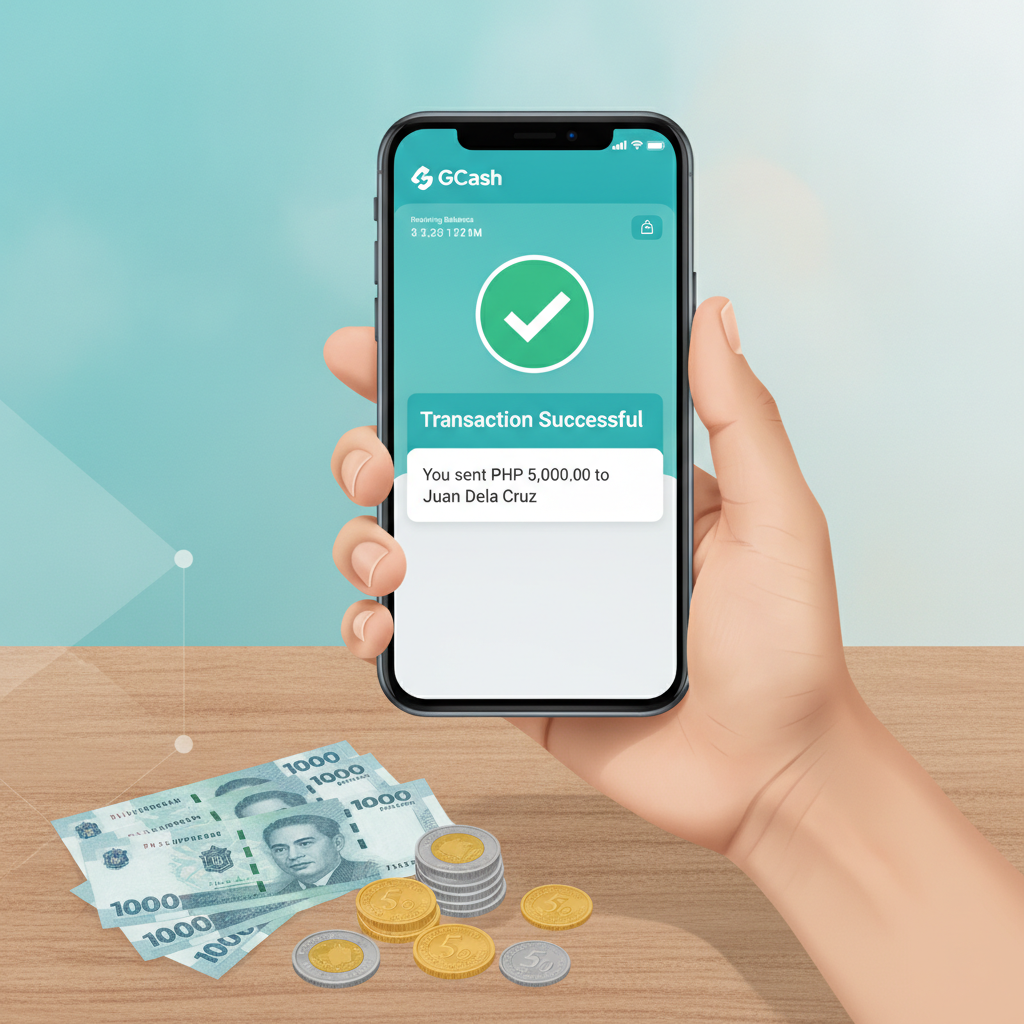
How to Open the Cashier and Select GCash as Your Withdrawal Method
Once you've built up your balance and want to cash out, VM Supreme makes GCash withdrawals straightforward through the cashier section.
On Android or mobile browser:
- Log in to your VM Supreme account
- Tap the menu icon (three horizontal lines) in the top corner
- Select Cashier or Withdraw from the menu
- You'll see a list of available withdrawal methods
- Tap GCash from the e-wallet options
On desktop:
- Log in and look for the Cashier button, usually in the top-right area near your balance
- Click the Withdrawal or Cashout tab
- Choose GCash from the list of payment methods
Before you can proceed, VM Supreme typically requires that your account is fully verified. If you haven't completed identity verification (uploaded a valid government ID and proof of address), the system may block your withdrawal request. Check your account status or inbox for any pending verification requests before attempting a cashout.
Required GCash Account Details and Common Input Mistakes to Avoid
When you select GCash as your withdrawal method, VM Supreme will ask you to enter specific account information. Accuracy is critical—small mistakes will delay or cancel your cashout.
What you need to provide:
- GCash mobile number: The 11-digit number registered to your GCash account (format: 09XX XXX XXXX)
- Account name: Your full name exactly as it appears in your GCash account
Common mistakes that cause rejections:
- Mismatched names: The name on your VM Supreme account must match the name on your GCash account. If your casino account says "Juan Dela Cruz" but your GCash is registered as "J. Dela Cruz" or a nickname, the withdrawal will fail.
- Wrong mobile number format: Don't include the country code (+63) unless the form specifically requests it. Most systems expect the local 11-digit format starting with 09.
- Typos in the mobile number: Double-check every digit. A single wrong number sends your money to someone else's GCash wallet, and recovery can be difficult or impossible.
- Using someone else's GCash: VM Supreme and most licensed operators require the withdrawal method to be in the same name as the player account. Attempting to cash out to a friend's or relative's GCash may trigger a security hold.
- Spaces or special characters: Some cashier forms are sensitive to formatting. If you're copying and pasting your number, make sure there are no hidden spaces or dashes.
After entering your details, many players save the GCash account as a "trusted" or "verified" withdrawal method, which speeds up future cashouts.
Minimum and Maximum GCash Withdrawal Limits and Fees
VM Supreme sets specific limits on how much you can withdraw per transaction and per day via GCash. These figures can change, so always check the cashier page for current terms, but typical parameters are:
Minimum withdrawal: PHP 100
Maximum per transaction: PHP 50,000
Daily withdrawal limit: PHP 100,000 (may vary by account tier or VIP level)
If you need to cash out more than the per-transaction cap, you'll need to submit multiple withdrawal requests. Keep in mind that each request is processed separately, and daily limits still apply.
Withdrawal fees:
VM Supreme generally does not charge a fee for GCash withdrawals, but this depends on your account status, recent deposit history, and promotional terms. Some operators impose a small processing fee (typically 1–2% or a flat PHP 15–25) if:
- You haven't met minimum wagering or turnover requirements
- Your withdrawal amount is very small
- You're cashing out winnings from a bonus before completing playthrough conditions
Always review the fee breakdown displayed in the cashier before confirming your request. GCash itself does not charge a fee to receive money, so any cost comes from the casino side.
Processing times:
GCash withdrawals from VM Supreme are usually processed within 15 minutes to 24 hours during business hours. Most players report seeing funds hit their GCash wallet within an hour if the request is submitted during peak times (morning to early evening, Monday to Saturday).
Requests submitted late at night, on Sundays, or during Philippine public holidays may take longer—up to 48 hours in some cases. If your account is flagged for additional security checks, processing can extend to 72 hours.
What to Do If Your GCash Cashout Fails or Gets Rejected
Even when you follow all the steps correctly, technical issues or account flags can block your VM Supreme GCash withdrawal. Here's how to troubleshoot the most common problems.
1. "Withdrawal rejected" or "Transaction failed" message
This usually means:
- Name mismatch: The name on your VM Supreme account doesn't match your GCash registration. Contact VM Supreme support via live chat and ask if you can update your account name or provide additional verification documents.
- Unverified account: Upload your ID and proof of address if you haven't already. Check your email or account dashboard for pending verification tasks.
- Bonus wagering incomplete: If you claimed a deposit bonus or free spins, you may need to meet rollover requirements before withdrawing. Check the Bonus History or Wagering Progress section of your account.
2. Pending withdrawal stuck for more than 48 hours
First, check your VM Supreme account's transaction history to confirm the status. If it still says "Pending" or "Processing" after two business days:
- Open the live chat and provide your transaction ID or reference number
- Ask for an estimated completion time
- Confirm that your GCash number and name are correct in their system
Sometimes a backlog in the payment provider's queue can cause delays, especially during weekends or promotional periods when cashout volume is high.
3. Money deducted from VM Supreme balance but not received in GCash
This is rare but does happen. If your casino balance has dropped but your GCash wallet hasn't been credited after 24 hours:
- Screenshot your VM Supreme withdrawal confirmation and transaction history
- Check your GCash transaction list to confirm nothing arrived
- Contact VM Supreme support immediately with both screenshots
- Request a trace or reversal if the payment provider reports a failed transfer
Most operators will investigate and either re-send the funds or credit your casino balance within 3–5 business days.
4. "Exceeds withdrawal limit" error
You've likely hit the daily or per-transaction cap. Wait until the next calendar day (midnight Philippine time) and try again, or split your cashout into smaller requests that fit within the per-transaction limit.
5. GCash account not verified or limited
Even if VM Supreme approves your withdrawal, GCash itself may reject or hold the incoming funds if your wallet is unverified or has reached its monthly receipt limit. Fully verified GCash accounts can receive up to PHP 100,000 per month; unverified accounts have much lower caps. Log in to the GCash app, complete the verification steps, and check your wallet limits under My Linked Accounts > Account Limits.
When to escalate:
If live chat cannot resolve your issue within 48 hours, send a formal email to VM Supreme's support address (usually listed in the site footer or Help section). Include:
- Your registered email and username
- Transaction ID and amount
- Screenshots of the error or pending status
- Your correct GCash number and registered name
Keep all correspondence records in case you need to escalate further.
Play Responsibly: 21+ Only
VM Supreme services are restricted to players aged 21 and over. Online gambling should be a form of entertainment, not a way to make money or solve financial problems.
Set limits before you play:
- Decide on a deposit budget you can afford to lose
- Use the account or session limits available in your profile settings
- Never chase losses by withdrawing money meant for bills or essentials
If you feel that your gambling is becoming difficult to control, reach out to local support resources or take advantage of VM Supreme's self-exclusion and cooling-off tools. Responsible gambling ensures that cashouts like the GCash withdrawal process remain a positive experience, not a stressful one.
For help, visit the Responsible Gaming section of the VM Supreme site or contact organizations such as the National Center for Mental Health (NCMH) in the Philippines.
Remember: This guide is provided for informational purposes by an independent source. For account-specific questions or the latest withdrawal policies, always refer to VM Supreme's official Help center or contact their customer support directly.