VM Supreme InstaPay and PESONet Bank Transfer Withdrawal Guide
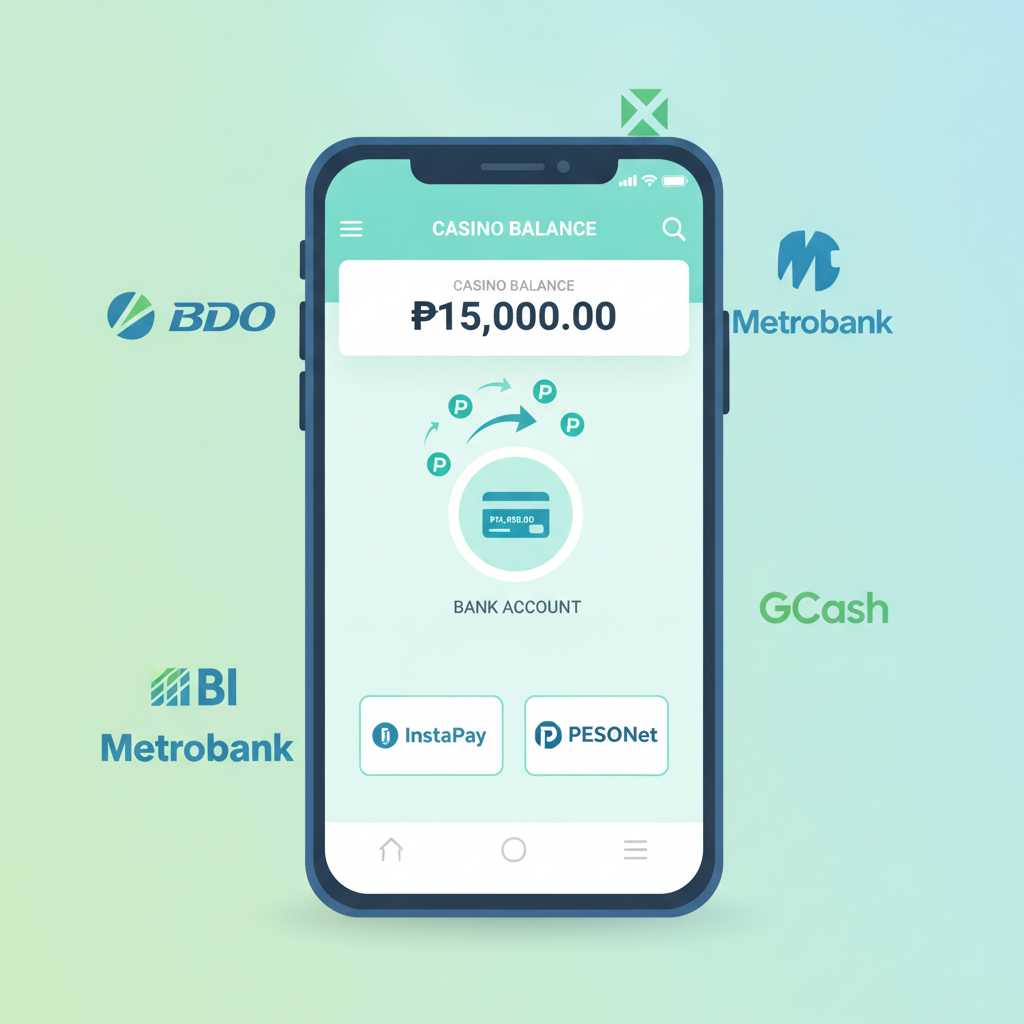
VM Supreme InstaPay and PESONet Bank Transfer Withdrawal Guide
Cashing out your VM Supreme winnings directly to your Philippine bank account gives you two transfer options: InstaPay for same-day settlement and PESONet for next-day processing. This guide walks through the differences, how to link your account, withdrawal limits and schedules, and what to check when a bank transfer sits pending longer than expected.
21+ only. Set deposit limits and take breaks if gambling stops being fun.
Difference Between InstaPay (Same-Day) and PESONet (Next-Day) Transfers
Both InstaPay and PESONet move pesos from VM Supreme to any participating Philippine bank, but they run on different timetables and fee structures.
InstaPay
InstaPay is the real-time interbank network operated by BancNet. Transfers typically land in your account within minutes to a few hours on the same banking day—provided you submit before the daily cut-off (usually 5:00 PM Manila time on weekdays). InstaPay caps each transaction at PHP 50,000, so if you're withdrawing more you'll need to split it across multiple requests or use PESONet. VM Supreme may charge a small convenience fee (often PHP 10–15) per InstaPay withdrawal; check the cashier screen for the exact amount before confirming.
PESONet
PESONet is the batch-settlement system also run by BancNet. Withdrawals submitted via PESONet are queued and processed overnight, meaning funds usually appear the next banking day—or two days later if you withdraw on a Friday evening or before a public holiday. PESONet handles larger amounts—up to PHP 1,000,000 per transaction—and typically carries a lower fee (sometimes waived entirely). The trade-off is the longer wait.
Which to choose?
Pick InstaPay when you need cash today and the amount is under PHP 50,000. Choose PESONet for bigger withdrawals or when an extra day's wait saves you the fee.
How to Add Your Philippine Bank Account for Withdrawal
Before you can request a VM Supreme bank transfer, you need to register your account details on the platform. VM Supreme verifies bank information to comply with anti-money-laundering rules and to ensure payouts reach the correct person.
Step 1: Log in and go to Withdrawal
Open the VM Supreme site or app, tap your balance or profile icon, and select Withdrawal or Cashier. If you haven't added a bank account yet, you'll see an option like + Add Bank Account or Manage Payment Methods.
Step 2: Enter your bank details
You'll be asked for:
- Bank name (select from the dropdown or search—most major Philippine banks are listed, including BDO, BPI, Metrobank, UnionBank, Security Bank, Landbank, PNB and many rural and thrift banks)
- Account number (double-check for typos)
- Account name (must match your verified VM Supreme profile name exactly; middle initials and suffixes matter)
Step 3: Submit verification documents (if required)
VM Supreme may ask you to upload a bank statement, a screenshot of your mobile-banking app showing your name and account number, or a photo of your ATM card (you can cover the CVV and expiry date). This one-time check usually clears within a few hours to one business day.
Step 4: Set as default (optional)
Once approved, your bank account will appear in the withdrawal list. You can save it as your primary payout method or keep both e-wallet and bank options active.
Withdrawal Limits, Cut-Off Times and Processing Schedules
Understanding the rules around how much you can withdraw and when requests are processed helps you plan your cashouts and avoid unnecessary delays.
Minimum and maximum per transaction
VM Supreme generally sets a minimum withdrawal of PHP 100 for all methods. Maximum limits depend on the channel:
- InstaPay: up to PHP 50,000 per transaction
- PESONet: up to PHP 1,000,000 per transaction
Daily and weekly aggregate limits (across all withdrawal methods) vary by account status and VIP level; the cashier screen will show your remaining quota for the day.
Cut-off times
To ensure same-day InstaPay settlement, submit your request before 5:00 PM Monday to Friday (Manila time). Requests made after 5:00 PM or on weekends are queued for the next banking day.
PESONet batches run overnight, so there's no strict hourly cut-off—but submitting early in the day means you hit the evening batch and see funds the next morning. Weekend or holiday withdrawals roll to the following business day.
Processing and approval
VM Supreme reviews every withdrawal for security. Most bank transfers are approved within 30 minutes to 2 hours during office hours (9:00 AM – 6:00 PM daily). After approval:
- InstaPay delivers in minutes to a few hours (same banking day if before cut-off)
- PESONet settles overnight; expect funds by mid-morning the next banking day
Total time from clicking "Withdraw" to seeing pesos in your account is typically 2–6 hours for InstaPay and 1–2 banking days for PESONet, assuming no holidays or verification holds.
Fees
InstaPay withdrawals often incur a flat fee of PHP 10–15. PESONet fees are lower or zero, depending on your VIP tier. The exact charge appears on the confirmation screen before you finalize.
What to Check If Your Bank Transfer Is Delayed or Pending
If your VM Supreme withdrawal hasn't landed after the expected window, work through this checklist before contacting support.
1. Confirm the transaction status in your account history
Log in and tap Transaction History or Withdrawal History. Look for these statuses:
- Pending: VM Supreme is still reviewing. Wait the full 2 hours; if it stays pending longer, chat support.
- Approved / Processing: The platform has released the funds to InstaPay or PESONet. Check your bank next.
- Completed: VM Supreme's side is done; any delay is now on the banking network or your bank's posting cycle.
- Rejected / Cancelled: The request failed—often due to mismatched account names, insufficient balance, or a daily limit breach. Read the rejection reason and re-submit with corrections.
2. Check the calendar for banking holidays
InstaPay and PESONet do not process on Philippine public holidays or weekends. If you withdrew late Friday or before a long weekend, add one or two extra business days.
3. Verify account name and number match exactly
A single typo or a mismatch between your VM Supreme verified name and your bank account name will cause the transfer to bounce. Even middle-name order matters. If the money bounces back to VM Supreme, it will reappear in your casino balance—you can then update your bank details and try again.
4. Log in to online or mobile banking
Sometimes banks post incoming transfers a few hours after they arrive in the clearing system. Refresh your mobile app or check your transaction history; the deposit might already be there under "incoming InstaPay" or "PESONet credit."
5. Contact your bank
If VM Supreme shows "Completed" but your account is still empty after 24 hours (48 hours for PESONet over a weekend), call or chat your bank. Provide the transaction reference number from your VM Supreme history and ask them to trace the incoming credit.
6. Reach out to VM Supreme support
Use the in-app live chat or email the helpdesk with your withdrawal reference number, the date and time you requested, and a screenshot of your bank account details page (mask sensitive digits if you prefer). The team can check whether the funds left their system and provide the BancNet trace ID to share with your bank.
21+ Reminder and Responsible Gambling Note
VM Supreme is open only to players 21 years of age and older. Bank withdrawals require verified identity, so underage attempts will be caught and accounts closed.
Play responsibly:
Gambling should stay entertaining. If you're chasing losses or withdrawing and re-depositing in the same session, take a break. VM Supreme offers self-exclusion tools and deposit limits in the account settings—use them whenever the game stops being fun. For confidential support, reach out to the National Center for Mental Health crisis line at 0917-899-USAP (8727) or visit www.ncmh.gov.ph.
Final Tips for Smooth VM Supreme Bank Withdrawals
- Keep your verified name consistent across VM Supreme, your bank account, and any ID you uploaded.
- Withdraw during business hours (before 5:00 PM on weekdays) if you want same-day InstaPay.
- Screenshot your transaction reference as soon as you confirm; you'll need it if you have to trace the transfer.
- Plan around holidays: Check the BSP or BancNet holiday calendar when cashing out before long weekends.
- Start with a small test withdrawal the first time you use a new bank account, so any typos cost you minutes, not days.
By understanding how InstaPay and PESONet work—and knowing which details matter most—you can move your VM Supreme winnings into your Philippine bank account quickly and without surprises. Keep your account information accurate, submit before cut-off, and you'll have your pesos in hand within hours or by the next morning.